Ask ChatGPT or Claude About Umrah Prices: An Easy, Free Guide with 4Safar
Umrah4 min read
In this article
Last updated: 27 October 2026
In Short:
- If you use ChatGPT or Claude on your mobile or computer, you can ask about Umrah, and it will show you real Packages with today’s prices from 4Safar.
- The service is free, and you do not need a 4Safar account.
- You only need to add 4Safar once by pasting this link:
https://4safar.com/api/mcp - The assistant only displays the Packages. It does not book, pay, or collect your name or number.
The Idea is Simple
Many of us now ask ChatGPT about almost everything, including: "What is the Umrah price this year?" The problem is that ChatGPT does not know the latest rates from Egyptian companies, so it replies with old or approximate numbers that are not helpful for making a decision.
Now, you can connect ChatGPT or Claude to the 4Safar website. After that, when you ask about Umrah, it searches the Packages listed on 4Safar and replies with actual Packages: the Travel Agency name, price, hotels, travel date, and a link to the Package if you wish to book.
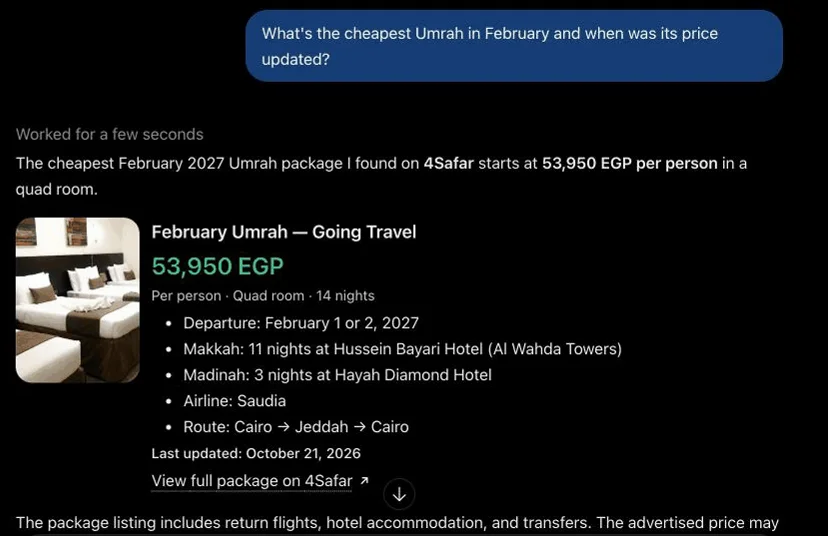
For example: you write “I want the cheapest Umrah in February”, and it replies with a real Package, its price per person in EGP, and the date when the price was last updated.
What Can You Ask?
Write your question just like you would to a booking agent, in Arabic or English. Here are some examples we tried:
- “Umrah in December for under 45,000 EGP per person”
- “January Packages of 10 nights or more”
- “Umrah at a 5-star hotel in Makkah”
- “Cheapest Umrah in February, and when was its price last updated?”
- “Show details of this Package and the price for a double room”
The assistant can tell you the hotels in Makkah and Madinah, prices for quadruple, triple, and double rooms, airline company, what the Package includes or excludes, and more.
How to Add 4Safar to ChatGPT?
ChatGPT’s menus are in English, so here are the exact names of every button as you’ll see them:
- Open ChatGPT and from the sidebar click Plugins.
- Click Add, then choose Add custom MCP server.
- Paste this link:
https://4safar.com/api/mcp - When asked about login, choose No authentication, meaning no login is needed.
- You will see a message confirming that 4Safar is now connected.
- Start a new conversation and type @4Safar then your question. Example: “@4Safar cheapest Umrah in February”.
We tested these steps on a free ChatGPT account in October 2026. If your menus look different, look for the words Plugins or MCP.
How to Add 4Safar to Claude?
- Open claude.ai, and click Customize, then Connectors.
- Click Add custom connector.
- In the Name field, write 4Safar, and in the Link field paste:
https://4safar.com/api/mcp - Click Add, and make sure you see the word Connected.
- In a new conversation, click the + sign, then Connectors, activate 4Safar, then type your question. The first time, Claude will ask for your approval, so click Approve.
If you do not find the Add custom connector button, it may not be available for your Claude subscription type. In this case, use ChatGPT, or browse the Packages directly on the 4Safar website.
Before You Decide: 4 Important Points
- Check the Price Date. Every Package shows the last day its price was updated. If no date appears, treat the price as preliminary and ask the Travel Agency.
- The displayed price is the “starting from” price. If you request a 5-star hotel, open the Package details and check the price of the tier including that hotel, as it may be higher.
- The reference is the Package page. The assistant may make a mistake in its reply, so rely on the Package page on 4Safar and the official Travel Agency confirmation.
- Booking is not done via chat. Click the Package link in the reply, and request to book from its page on 4Safar.
Is Your Data Safe?
Yes. The assistant only sends the search request to 4Safar, like month, budget, and number of nights. It does not send your name, phone number, or any other information about you, and you do not need to log in anywhere.
Frequently Asked Questions
Is this service paid?
No, the service is free. 4Safar does not charge any fees for it, and you do not need to create an account on the website.
Can ChatGPT book Umrah for me?
No. It only searches and displays Packages for you. Booking is done from the Package page on 4Safar with the Travel Agency organizing the trip.
Are the prices it shows guaranteed?
They are the same prices displayed on 4Safar at the moment you ask, per person in Egyptian pounds. But prices change, so check the last updated date and confirm the price with the company before paying.
Does it work with Gemini or other programs?
We have only tried it on ChatGPT and Claude. Any AI program that allows adding such a link (called MCP) may work with it, but we have not tested this yet.
I asked about a certain month and no Packages appeared, why?
The assistant only shows Packages currently available on 4Safar. Try a closer month, increase your budget, or browse all Umrah Packages on the website.
Are you a developer or want the technical integration details? Read the 4Safar AI Assistant Integration page.
Planning an Umrah trip?
Compare the Umrah packages available and their prices, then choose the one that suits you.
More helpful articles for your trip
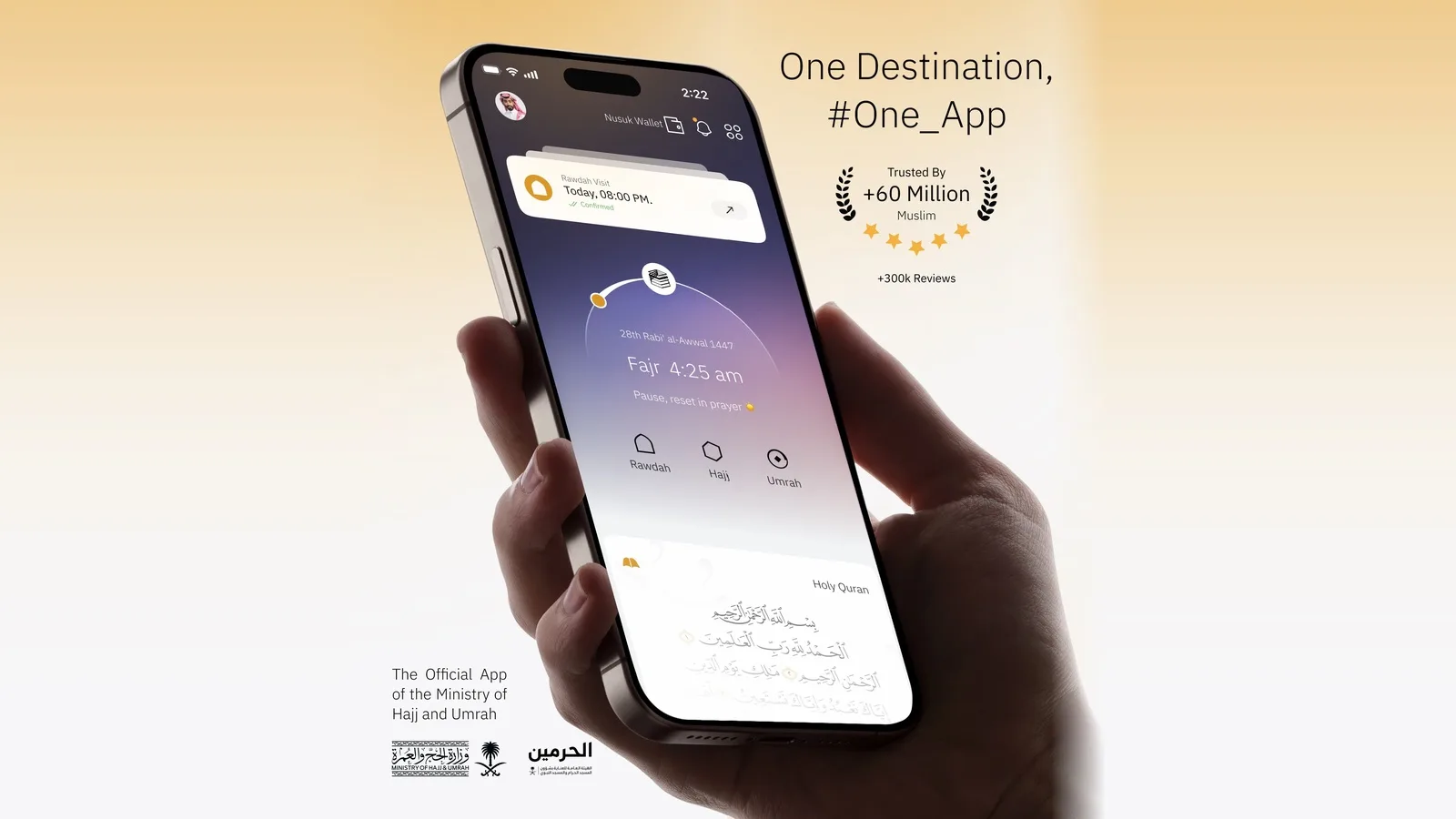
Nusuk App Services for Egyptian Umrah Pilgrims: Permits, Rawdah Booking, Digital Mutawwif, and a Complete Guide
Nusuk is the official platform for Umrah, overseen by Saudi Arabia's Ministry of Hajj and Umrah. We explain the key services Egyptian pilgrims need before traveling and during their stay in Makkah and Madinah—from booking the Umrah appointment and Rawdah permit to the digital Mutawwif and Haramain Train—based on Nusuk's official pages.
UmrahNovember 6, 20266 min read
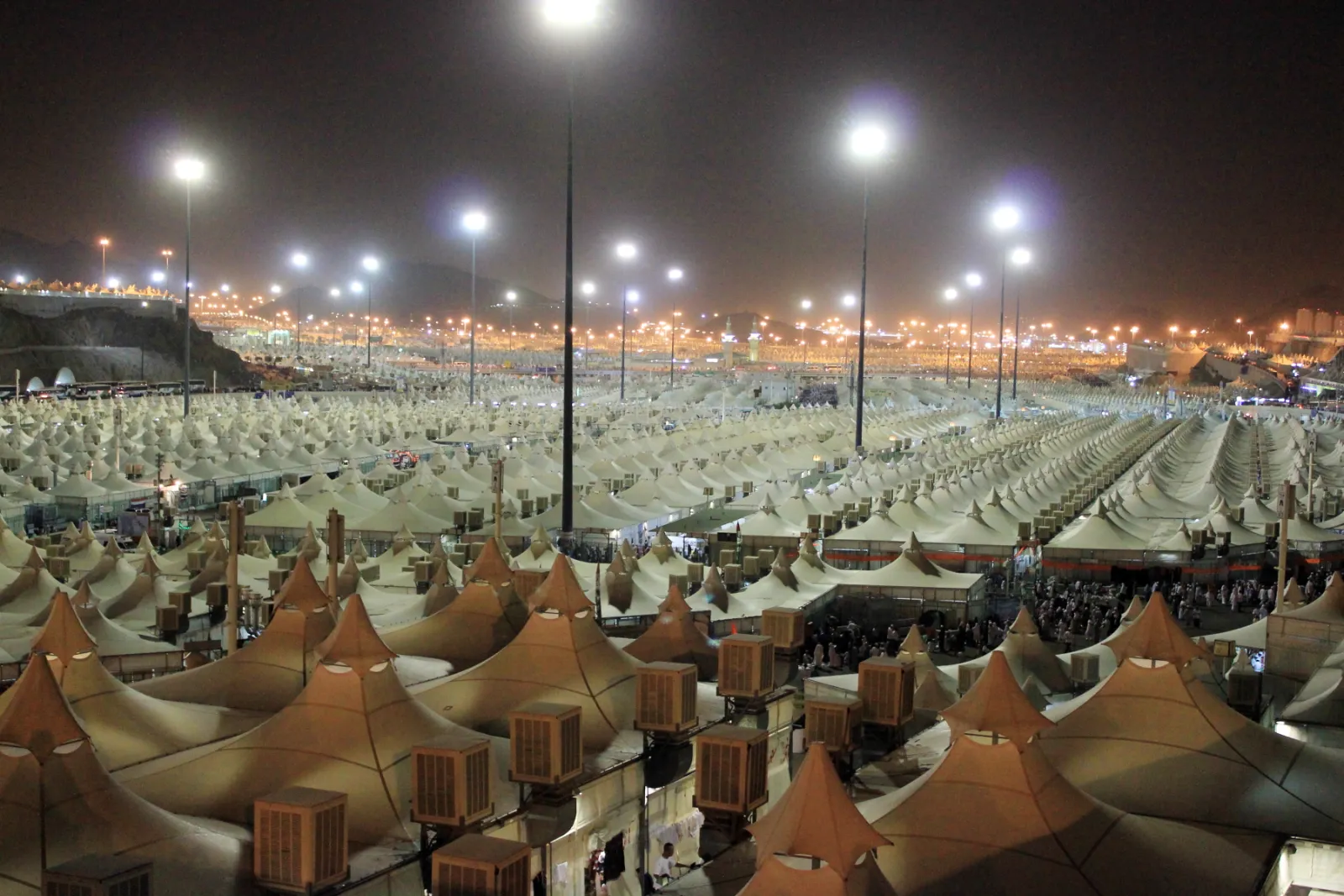
Refund of Hajj Tourism Booking Deposits 1448 for Unsuccessful Applicants: Date, Location, and Required Documents
The Chamber of Tourism Companies has announced that approximately 114,000 applicants who did not win in the Hajj tourism lottery 1448H can reclaim their booking deposits starting Thursday, November 5, 2026, from any branch of Banque Misr with their original valid national ID card. We explain the refund amounts by tier, the non-refundable EGP 150, and the immediate steps to take.
UmrahNovember 4, 20265 min read
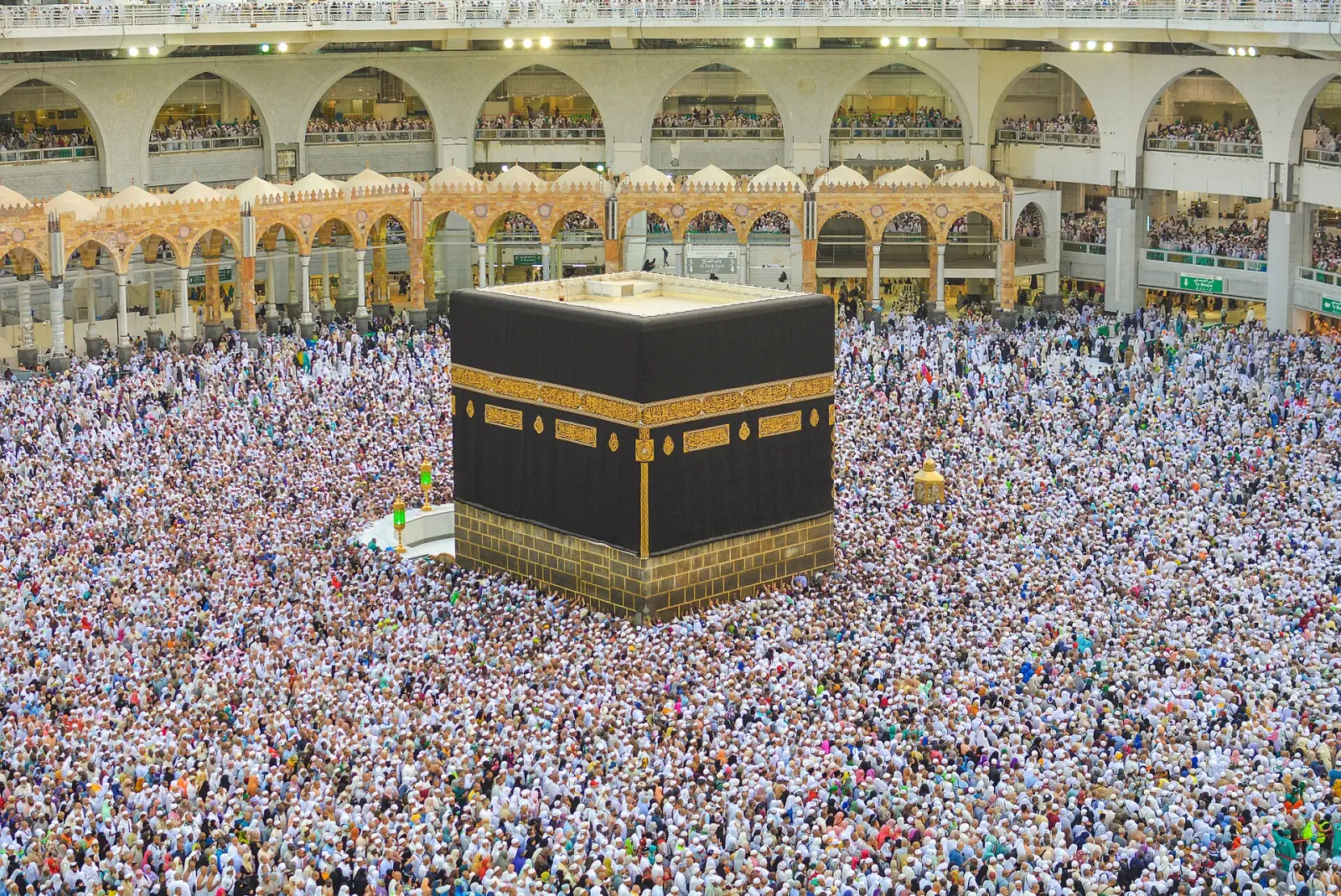
Umrah in Rajab, Sha'ban, and Ramadan 1448: Peak Season Regulations and What They Mean for Egyptian Pilgrims
The Ministry of Tourism and Antiquities' regulations for Umrah Season 1448 set a special rule for Rajab, Sha'ban, and Ramadan: no new trip for any company until their existing groups in Saudi Arabia return, with a maximum of three simultaneous trips. We explain the rule, package durations, and what this means for Egyptians planning Umrah during the peak season.
UmrahNovember 1, 20266 min read